Home Security Intelligence
Turn "dumb" security cameras into an intelligent threat detection system -- 100% local, no cloud APIs required.
- Getting Started
Prerequisites, installation, and your first run
- User Guide
Dashboard, alerts, timeline, analytics, and features
- Operator Guide
Deployment, monitoring, GPU setup, and administration
- Developer Guide
Architecture, API reference, patterns, and contributing
How It Works
The system processes security camera footage through a multi-stage AI pipeline, turning raw images into explained security events with risk scores.
1. Camera Capture
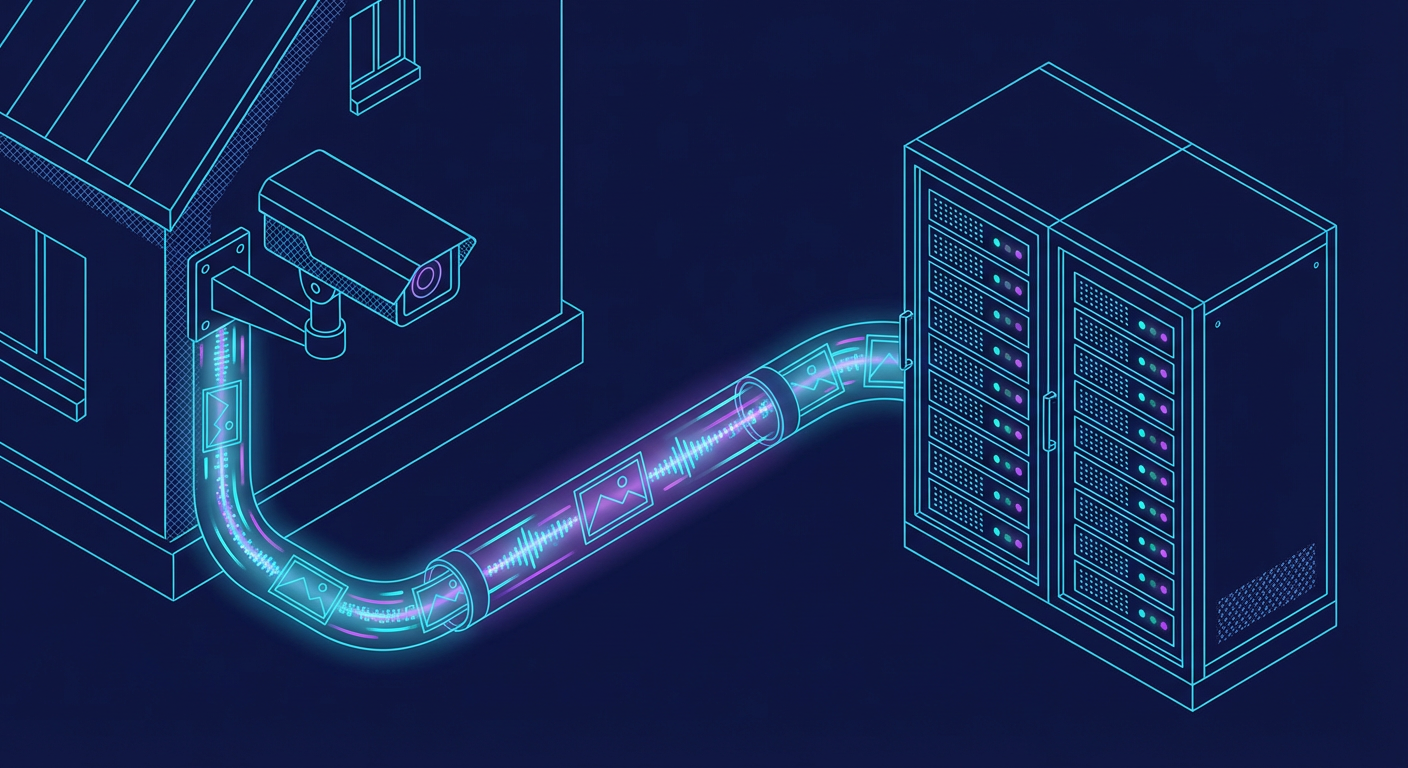
Security cameras upload images via FTP. A file watcher detects new uploads and submits them for analysis.
sequenceDiagram
    participant Camera as IP Camera
    participant FTP as FTP Server
    participant Watcher as File Watcher
    participant Queue as Detection Queue
    Camera->>FTP: Upload image
    FTP->>Watcher: File system event
    Watcher->>Watcher: Validate file type & size
    Watcher->>Queue: Submit for detection
2. Object Detection

YOLO26 identifies people, vehicles, animals, and objects in real-time with bounding boxes and confidence scores.
sequenceDiagram
    participant Queue as Detection Queue
    participant YOLO as AI Gateway :8090<br/>router /yolo26
    participant DB as PostgreSQL
    Queue->>YOLO: POST /yolo26/detect (image)
    YOLO-->>Queue: Detections (person, car, dog...)
    Queue->>DB: Store raw detections
3. AI Enrichment
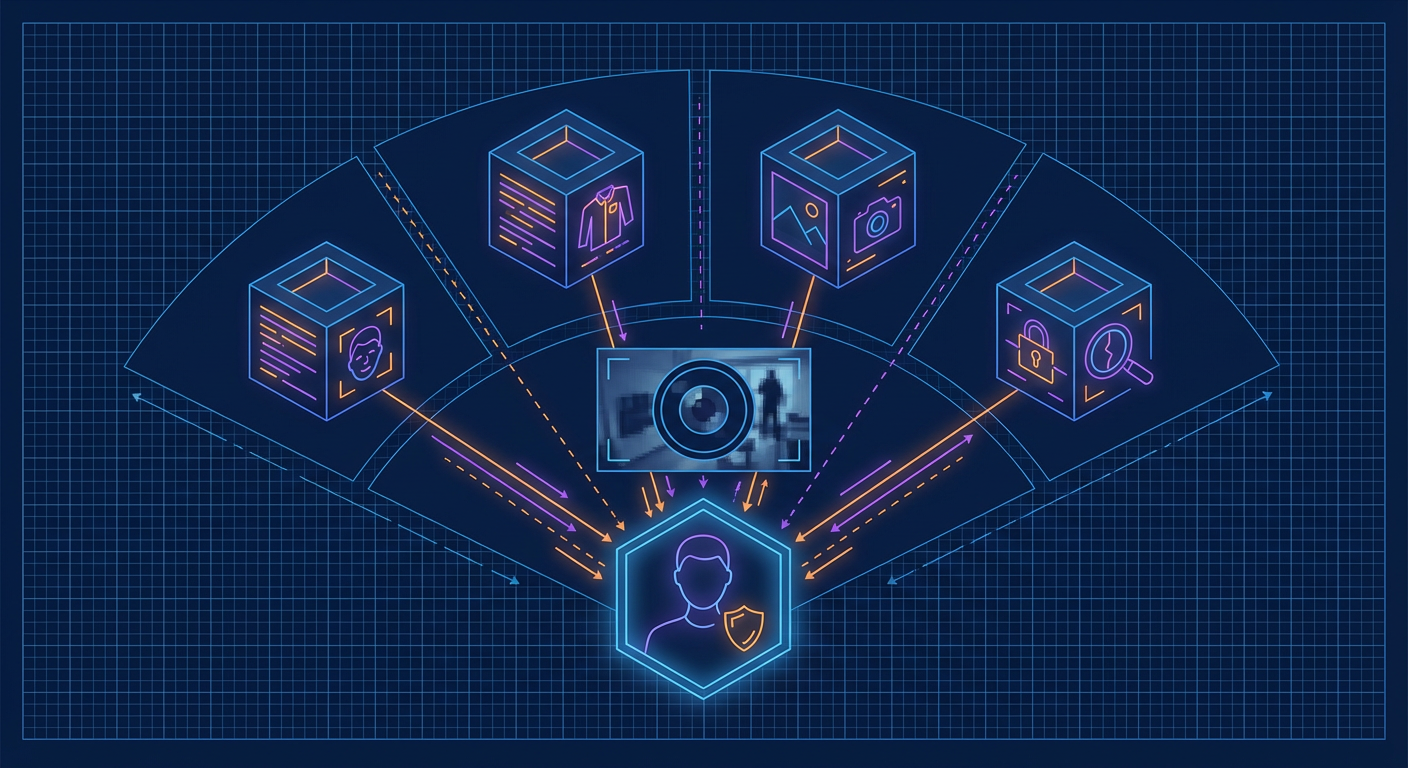
Multiple specialized models add context: Florence-2 captions the scene, CLIP detects anomalies, and enrichment models identify faces, clothing, vehicles, and more.
flowchart LR
    D[Detection] --> F["Florence-2<br/>Scene Caption"]
    D --> C["CLIP<br/>Anomaly Score"]
    D --> E["Enrichment Models<br/>Face / Clothing / Vehicle"]
    F --> M[Merged Context]
    C --> M
    E --> M
4. Event Batching

A 90-second window with 30-second idle timeout groups related detections into a single coherent event, preventing alert fatigue.
sequenceDiagram
    participant Det as Detections
    participant Agg as Batch Aggregator
    participant Event as Event
    Det->>Agg: Detection 1
    Det->>Agg: Detection 2
    Note over Agg: 90s window<br/>30s idle timeout
    Det->>Agg: Detection 3
    Agg->>Event: Window closes
    Note over Event: One explained event<br/>from many detections
5. AI Risk Reasoning
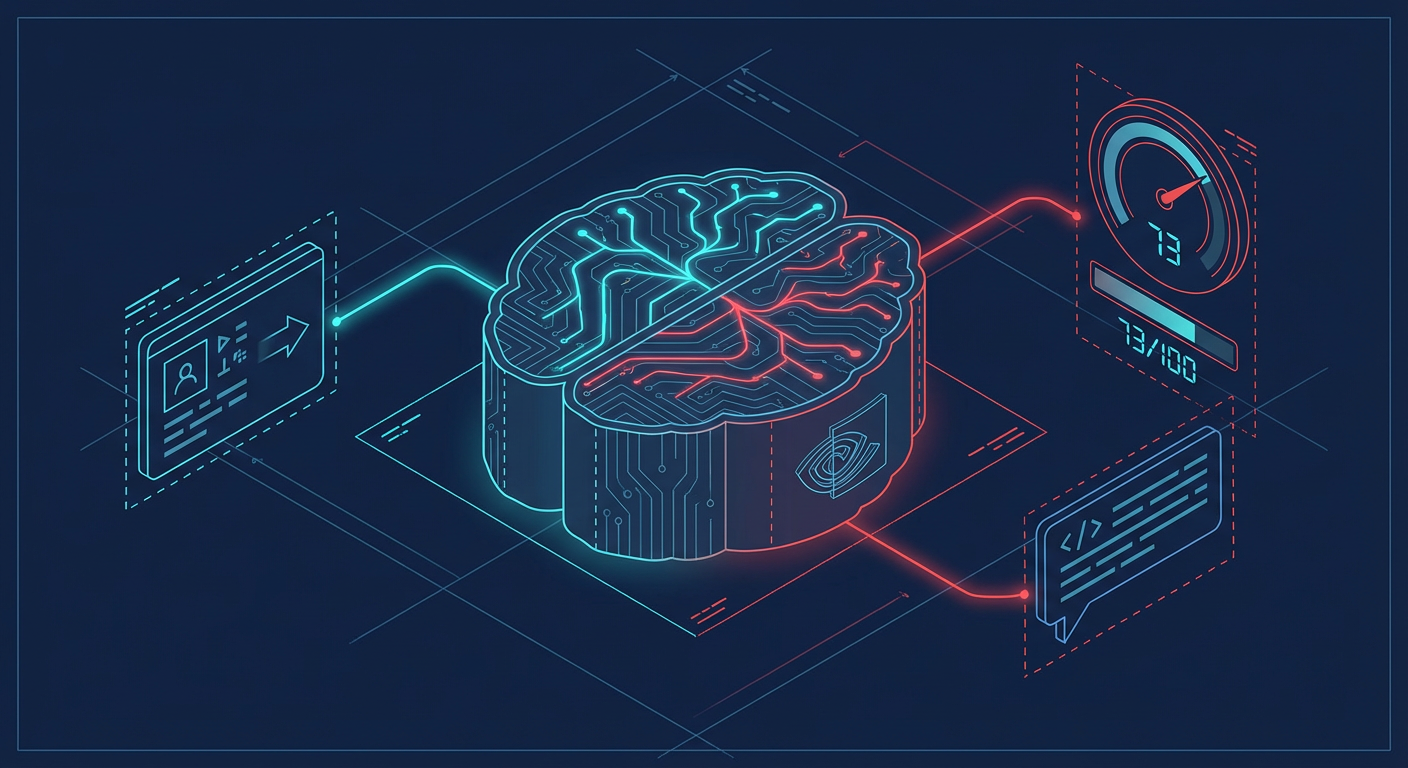
Nemotron-3-Nano-30B analyzes the full context -- detections, enrichments, time of day, camera location -- and produces a 0-100 risk score with natural language explanation.
sequenceDiagram
    participant Event as Event + Context
    participant Nem as Nemotron-3-Nano-30B<br/>:8091
    participant DB as PostgreSQL
    Event->>Nem: Full context prompt
    Note over Nem: Reason about scene,<br/>entities, time, location
    Nem-->>Event: Risk: 73/100<br/>"Unknown person near<br/>garage at 2:34 AM..."
    Event->>DB: Store analysis
6. Real-Time Dashboard

Events push to the React dashboard via WebSocket in real-time. The risk gauge updates, timeline entries appear, and entity tracking links detections across cameras.
sequenceDiagram
    participant DB as PostgreSQL
    participant Redis as Redis PubSub
    participant WS as WebSocket
    participant UI as React Dashboard
    DB->>Redis: Event published
    Redis->>WS: Broadcast to subscribers
    WS->>UI: Real-time push
    Note over UI: Risk gauge updates<br/>Timeline entry appears<br/>Entity tracking links
Architecture Overview
flowchart TB
    subgraph Cameras["Camera Layer"]
        CAM[IP Cameras]
    end
    subgraph Frontend["Frontend Layer"]
        UI["React Dashboard<br/>:8444 HTTPS (nginx)"]
    end
    subgraph Backend["Backend Layer"]
        API["FastAPI<br/>:8000"]
        WS["WebSocket"]
    end
    subgraph AI["AI Services"]
        GW["AI Gateway :8090<br/>routers /yolo26 /florence<br/>/clip /enrichment /enrich-lt"]
        NEM["Nemotron LLM<br/>:8091"]
    end
    subgraph Data["Data Layer"]
        DB[(PostgreSQL)]
        REDIS[(Redis)]
    end
    CAM -->|FTP Upload| API
    UI <-->|REST + WebSocket| API
    API --> GW
    API --> NEM
    API <--> DB & REDIS
Full Architecture Documentation
AI Model Zoo
The system uses multiple AI models managed with VRAM-efficient on-demand loading. See the complete Model Zoo documentation.
| Model | Purpose | Always Loaded |
|---|---|---|
| YOLO26 | Object detection | Yes |
| Florence-2 | Scene understanding | Yes |
| CLIP ViT-L/14 | Anomaly detection | Yes |
| Nemotron-3-Nano-30B | Risk reasoning (LLM) | Yes |
| Threat Detection | Weapon detection | On-demand |
| Person Re-ID | Cross-camera tracking | On-demand |
| FashionCLIP | Clothing analysis | On-demand |
| Demographics | Age/gender estimation | On-demand |
Quick Links
- GitHub Repository
- Interactive API Docs (when running locally)
- Roadmap
- Contributing Guide