Installation
This guide walks through the complete installation process for Home Security Intelligence.
Overview
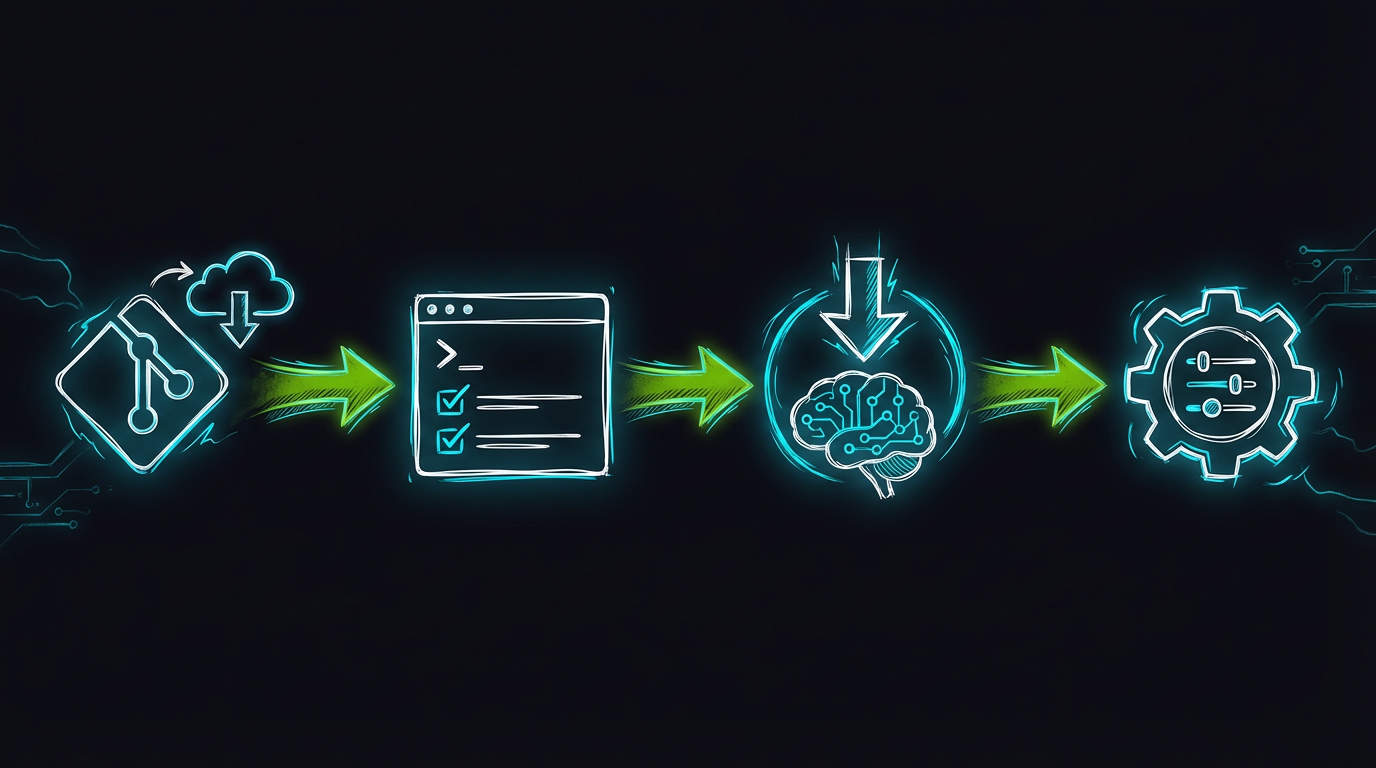
Four-step installation workflow: Clone Repository, Setup Environment, Download Models, and Configure.
There are two setup paths. Run python setup.py — it is the supported first-time setup, because it generates a .env with real random credentials and a docker-compose.override.yml for your paths and ports. ./scripts/setup-hooks.sh is the developer path: it installs the dev toolchain (virtualenv, npm packages, git hooks) and does not produce a working configuration by itself.
Step 1: Clone the Repository
Clone the repository and change into it:
git clone https://github.com/mikesvoboda/nemotron-v3-home-security-intelligence.git
cd nemotron-v3-home-security-intelligence
Step 2: Run First-Time Setup
The interactive script (setup.py) asks for your camera upload path, AI models path, and credentials, then writes:
.env— with generated passwords (POSTGRES_PASSWORDetc.) and port assignments. File permissions are set to 600.docker-compose.override.yml— port mappings and the camera-path volume mount, merged automatically withdocker-compose.prod.yml.
Run python setup.py --guided for step-by-step explanations, or python setup.py --defaults to accept every default non-interactively.
Do not create
.envwithcp .env.example .env..env.exampleuses placeholder credentials andsetup.pyis what generates real ones. If you insist on editing by hand, at minimum setPOSTGRES_PASSWORD(generate withopenssl rand -base64 32) and makeDATABASE_URLmatchPOSTGRES_USER/POSTGRES_DB/POSTGRES_PASSWORD.
Developer extras (optional)
If you will contribute code, also install the dev toolchain:
It runs uv sync --extra dev for the Python environment and installs the frontend dependencies plus pre-commit, commit-msg, and pre-push git hooks.
Step 3: Download AI Models
The script (ai/download_models.sh) writes to ${AI_MODELS_PATH} (default /export/ai_models). Set AI_MODELS_PATH=./models ./ai/download_models.sh to use a different root.
What it downloads
| Model | Size | Purpose | Destination |
|---|---|---|---|
| Nemotron-3-Nano-30B (Q4_K_M) | ~14.7GB | Risk analysis (LLM) | $AI_MODELS_PATH/nemotron/nemotron-3-nano-30b-a3b-q4km/ |
YOLO26v2 (PekingU/yolo26_r50vd_coco_o365) | ~165MB | Object detection | Not downloaded — HuggingFace fetches it on first service start |
| Florence-2-Large | varies | Scene description | $AI_MODELS_PATH/model-zoo/ |
| CLIP ViT-L, Fashion-CLIP, enrichment models | varies | Embeddings, attributes | $AI_MODELS_PATH/model-zoo/ |
| YOLO26 Ultralytics variants | ~67MB | Detection (backup) | $AI_MODELS_PATH/model-zoo/yolo26/ |
If a Nemotron GGUF already exists anywhere the script searches ($NEMOTRON_GGUF_PATH, /export/ai_models/weights/, the HuggingFace cache), it links or copies that file instead of re-downloading 14.7GB.
Step 4: Check Your Settings
After setup.py has written .env, review the values that depend on your hardware:
# Camera upload directory (host path where cameras FTP images)
FOSCAM_BASE_PATH=/export/foscam

# AI models root — must match what you used in Step 3
AI_MODELS_PATH=/export/ai_models

# GPU assignment (see docs/developer/multi-gpu.md)
GPU_LLM=0            # GPU running Nemotron
GPU_AI_SERVICES=1    # GPU running the ai-gateway models
AI service URLs are already set correctly for the containerized deployment in both .env.example and the compose file itself — every model except Nemotron routes through the AI gateway:
AI_GATEWAY_URL=http://ai-gateway:8090
YOLO26_URL=http://ai-gateway:8090/yolo26      # also /florence /clip /enrichment /enrich-lt
NEMOTRON_URL=http://ai-llm:8091               # llama.cpp keeps its own container
Inside the backend container the camera directory is always mounted at /cameras, regardless of your host path (the compose file sets FOSCAM_BASE_PATH=/cameras for the backend service).
Mount the camera directory
setup.py adds the camera volume to docker-compose.override.yml. Check it points at your real upload path, which must contain one subfolder per camera:
/export/foscam/
├── front_door/
│   └── ... (FTP uploaded images)
├── back_yard/
│   └── ...
└── garage/
    └── ...
Verify Installation
# .env and override exist and .env is private
ls -l .env docker-compose.override.yml

# Models are present
ls -lh /export/ai_models/nemotron/nemotron-3-nano-30b-a3b-q4km/

# Compose file resolves with your .env
docker compose -f docker-compose.prod.yml config -q   # silent = valid
# OR
podman compose -f docker-compose.prod.yml config -q
For the dev environment (if you ran setup-hooks.sh):
Troubleshooting
Setup script fails
Model download fails
# Check connectivity to HuggingFace
curl -I https://huggingface.co

# Point the script at a pre-downloaded file instead
export NEMOTRON_GGUF_PATH=/your/local/model.gguf
./ai/download_models.sh
Node.js dependency issues (dev environment)
Next Steps
Installation complete. Proceed to:
First Run - Start the system and verify everything works.