AI Services Overview
Understanding the AI inference services that power object detection and risk analysis.
Time to read: ~5 min Prerequisites: None
What the AI Does
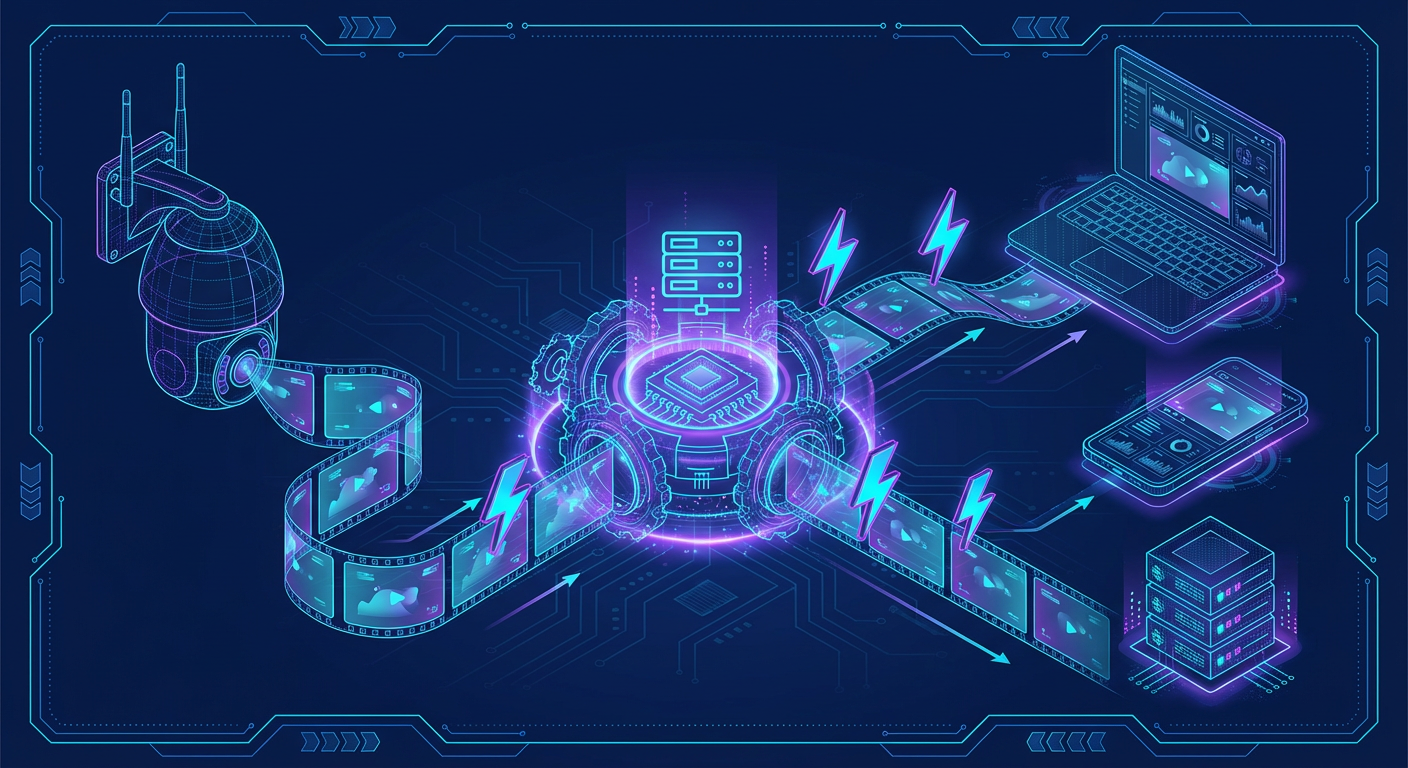
The AI pipeline transforms raw camera images into risk-scored security events using core AI services plus an enrichment layer that adds context (attributes, captions, re-ID, and other signals).
Two containers do all the AI work in production:
| Container | Host port | Runtime | What it serves |
|---|---|---|---|
ai-gateway | 8090 (metrics 8002) | Triton + FastAPI | YOLO26, Florence-2, CLIP, enrichment (light and heavy) |
ai-llm | 8091 | llama.cpp | Nemotron 30B risk reasoning |
The gateway exposes one router per model family: /yolo26, /florence, /clip, /enrichment, /enrich-lt. The older per-model containers and their ports (8092, 8093, 8094, 8095, 8096) no longer exist — they were consolidated into Triton.
YOLO26 Detection (/yolo26 on the gateway, port 8090)
Purpose: Real-time object detection from camera images
- Identifies security-relevant objects: person, car, truck, dog, cat, bird, bicycle, motorcycle, bus
- Returns bounding boxes with confidence scores (0-100%)
- Processes images in 30-50ms on GPU
Technology:
- YOLO26 TensorRT engine served by Triton; ~2GB VRAM resident
- Routes:
POST /yolo26/detect(multipartfileupload),/yolo26/detect/batch,/yolo26/segment,GET /yolo26/health
NVIDIA Nemotron LLM Server (Port 8091)
Purpose: Risk reasoning and natural language generation
- Analyzes batched detections for context
- Assigns risk scores (0-100) based on what, when, and how
- Generates human-readable summaries and reasoning
Technology:
- llama.cpp server with NVIDIA Nemotron GGUF models
- ChatML format with
<|im_start|>/<|im_end|>message delimiters - Model options by deployment:
| Deployment | Model | VRAM | Context |
|---|---|---|---|
| Production | NVIDIA Nemotron-3-Nano-30B-A3B Q4_K_M (models.yml fetches the unsloth/…-GGUF build) | ~14.7 GB | 262,144 (CTX_SIZE) |
| Fallback | Nemotron Mini 4B Instruct — only ai/start_llm.sh and the host-run ai/start_nemotron.sh fall back to it | ~3 GB | 4,096 |
CTX_SIZE=262144 is 8 parallel slots × 32,768 tokens each. The 30B model at that context enables:
- Analyzing all detections across extended time windows (hours of activity)
- Rich historical baseline comparisons
- Cross-camera activity correlation in a single prompt
go2rtc Video Streaming Integration
Camera streams are proxied through go2rtc, which provides WebRTC for low-latency live viewing in the dashboard and a REST API for the backend to request snapshots and manage streams.
flowchart LR
    CAM["IP Camera<br/>(RTSP)"] -->|RTSP Stream| G2R["go2rtc<br/>:1984"]
    G2R -->|"WebRTC<br/>:8555"| UI["React Dashboard"]
    G2R -->|"REST API<br/>:1984"| BE["Backend API"]
    BE -->|Stream URLs| UI
    BE -->|Snapshot Request| G2R
Enrichment Services (gateway routers /enrichment and /enrich-lt)
Everything below runs inside the single ai-gateway container on port 8090:
/florence: Florence-2 vision-language extraction —/extract,/ocr,/dense-caption,/phrase-grounding,/detect_security_objects/clip: SigLIP 2 embeddings — scene classification, similarity, anomaly scoring (/embed,/classify,/similarity,/anomaly-score); person re-ID vectors come from the OSNet-AIN x1.0reidmodel, not this router (ledger 20)/enrichment(heavy): vehicle, clothing, demographics, action/enrich-lt(light): pose, threat, person ReID, pet, depth
Which of the two enrichment tiers handles a given model is decided by the ENRICHMENT_*_SERVICE variables in .env (light or heavy); the defaults send pose/threat/reid/pet/depth to the light tier and vehicle/clothing/action/demographics to the heavy tier.
These feed into the backend's enrichment pipeline and ultimately improve the context sent to the LLM.
[!NOTE] The backend also has a "model zoo" (
backend/services/model_zoo.py, manifestmodels.yml) that can run additional enrichment steps in-process when VRAM allows, instead of calling the gateway.
Architecture Diagram
+---------------------------------------------+  +---------------------------+
|           ai-gateway  :8090 (Triton)        |  |   ai-llm  :8091 (llama.cpp)|
|                                             |  |                           |
|  /yolo26   /florence   /clip                |  |   NVIDIA Nemotron         |
|  /enrichment           /enrich-lt           |  |   Risk Analysis           |
|                                             |  |                           |
|  Detection + enrichment                     |  |   VRAM ~14.7GB*           |
|  VRAM ~4-6GB   detect latency 30-50ms       |  |   analyze latency 2-5s    |
+---------------------------------------------+  +---------------------------+
           ^                                             ^
           | POST /yolo26/detect (multipart)             | POST /completion
           |                                             | (ChatML prompt + JSON)
    +------+--------+                          +---------+---------+
    | DetectorClient|                          | NemotronAnalyzer  |
    | (backend)     |                          | (backend)         |
    +---------------+                          +-------------------+

* Nemotron VRAM: ~3GB (Mini 4B host-run) or ~14.7GB (30B production)
Resource Requirements
VRAM depends heavily on which services/models are enabled.
| Profile | Typical VRAM | Notes |
|---|---|---|
| Minimal (dev) | ~8-12GB | YOLO26 (~2GB) + Nemotron Mini 4B (~3GB) or offloaded 30B |
| Full AI stack (prod) | ~22-24GB | YOLO26 + Florence-2 + CLIP + enrichment + Nemotron 30B (~14.7GB) |
Production Breakdown (per models.yml, all core models on one GPU):
- ai-gateway resident (YOLO26 ~2GB, Florence-2 ~1.5GB, SigLIP 2 ~200MB): ~4GB
- NVIDIA Nemotron-3-Nano-30B-A3B (Q4_K_M): ~14.7GB
- Enrichment models load on demand on top of the ~4GB base
The default two-GPU split (GPU_LLM=0, GPU_AI_SERVICES=1) puts ~16GB on GPU 0 and ~6GB on GPU 1. See GPU Setup for the full breakdown.
Deployment Model
AI services can run either:
- Fully containerized (recommended for production):
docker-compose.prod.yml - Host-run (useful for development):
./ai/start_detector.sh,./ai/start_llm.sh,./ai/start_nemotron.sh
There is no unified scripts/start-ai.sh wrapper in this repository.
Service Endpoints
| Router (ai-gateway :8090) | Endpoint | Method | Purpose |
|---|---|---|---|
/yolo26 | /health | GET | Health check |
/yolo26 | /detect | POST | Object detection (multipart image) |
/florence | /health | GET | Health check |
/clip | /health | GET | Health check |
/enrichment | /health | GET | Health check |
/enrich-lt | /health | GET | Health check |
ai-llm :8091 | /health | GET | Health check |
ai-llm :8091 | /completion | POST | Risk analysis (ChatML prompt + JSON) |
Next Steps
- AI Installation - Set up prerequisites and dependencies
- AI Configuration - Configure environment variables
- AI Services - Starting, stopping, verifying services
See Also
- GPU Setup - GPU drivers and container access
- Pipeline Overview - How images flow through AI services
- Risk Levels Reference - How risk scores are interpreted
- AI Troubleshooting - Common issues and solutions