Backing up and restoring
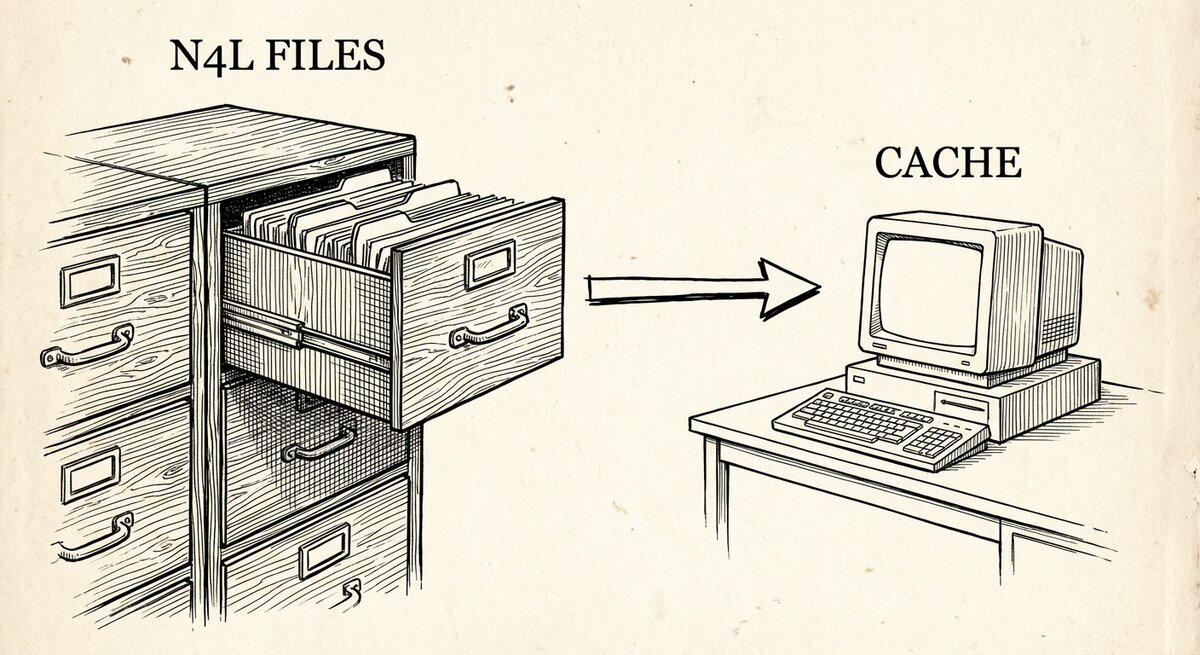
Your N4L files are the backup. The database is a cache you can rebuild from them in seconds. This page makes that framing concrete — what to keep, what to throw away, and the one timing rule to remember if you reach for
pg_dump.
The graph you query is a projection of the .n4l files you wrote. If the
database goes away, the text files on disk are enough to put it back. That
shapes every decision below.
The shape of a backup
A folder of notes under version control:
Every edit is a commit. Every commit is a backup. Every diff is a readable record of how your thinking changed.
cd your-notes
git init
git add *.n4l README.md
git commit -m "initial knowledge snapshot"
git remote add origin git@github.com:you/your-notes.git
git push -u origin main
If your laptop dies, you clone the repo on a new one, load the files, and you are back where you were. There is nothing else to restore.
Restoring from your sources
One command from the notes directory rebuilds the whole graph:
-wipe drops the SSTorytime tables before loading; -u is the upload.
Passing every file at once means cross-file references resolve in one pass.
On a laptop with a few thousand nodes this takes seconds. On a book-sized corpus it can take several minutes — the ingest does a lot of per-link bookkeeping — but it is always a re-run, never a reconstruction.
Removing one chapter
Sometimes you want to drop one chapter and re-ingest just that one, not the
whole graph. The tool for that is removeN4L:
The -force flag is required. Without it, removeN4L exits without doing
anything — deletion is irreversible and the tool refuses to guess.
removeN4L takes out every node and link tagged with that chapter name.
It leaves the arrow vocabulary alone — arrows you declared in that chapter
may be used by other chapters, and the safe default is to keep them.
To see what chapters exist before you delete one, query the graph itself:
When a Postgres snapshot is the right tool
For most people it isn't. Your N4L files already capture everything;
pg_dump produces a bigger, more fragile artefact of the same information.
There are two situations where a Postgres-level snapshot earns its keep:
- Before a risky experiment. You want a fallback you can restore into a scratch database while you try something drastic. Take the dump, do the experiment, throw the dump away when you are happy with the result.
- On a machine without the Go toolchain. Restoring a
pg_dumpdoes not requireN4Lor a Go compiler; a plain PostgreSQL install is enough.
The command is standard PostgreSQL:
pg_dump \
  --host=localhost \
  --username=sstoryline \
  --format=custom \
  --file=sstorytime-$(date +%Y%m%d).dump \
  sstoryline
And restore:
Never run pg_dump during an ingest
While N4L -u is running, the bulk-load tables are held in an unlogged
state — fast to write to, invisible to the replication log. A pg_dump
taken at that moment captures a partial, inconsistent graph, and there
is no transaction log to recover the missing rows from. Only take a
snapshot after N4L -u has exited cleanly. If you automate snapshots,
gate them on a lock your operator owns, or on a timer that cannot
overlap with an upload.
Relatedly: if PostgreSQL crashes or is killed during N4L -u, the bulk-load
tables are lost. This sounds alarming and is not: your .n4l file is still
on disk, and re-running N4L -u rebuilds what was lost. The unlogged state
buys speed and trades it for the cheap-to-recover failure mode of
re-run the command.
N4L files vs Postgres snapshots — what to reach for
| Question | N4L sources in git | pg_dump snapshot |
|---|---|---|
| Human-readable? | Yes, plain text | No, or verbose SQL |
| Diff-friendly? | Yes, line by line | No |
| Captures hand-edited rows in the DB? | No | Yes |
| Fast to restore on a fresh host? | Seconds to minutes | Seconds |
| Travels across PostgreSQL versions? | Yes — text is text | Not always |
| Fits on a flash drive? | Yes (KB–MB) | Often MB–GB |
The recommendation is simple: keep N4L sources in version control as the
primary backup. Take a pg_dump only when you need the fallback for a
specific experiment, and delete the dump when you don't. As soon as you
start treating the dump as authoritative, the sources drift and the whole
point of the abstraction leaks.
Corruption is not the same as loss
The source-of-truth pattern protects against loss — a dead disk, a
stray -wipe, a vanished laptop. Clone the repo, re-ingest, done.
It does not protect against corruption at the source. If a .n4l file
was edited with wrong facts six weeks ago and committed, re-ingesting
reinstates the wrong facts. The defence there is the one you would use
for code: review the commits, keep the history, know how to run git
blame and git bisect on your notes the way you would on source.
This is also why SSTorytime does not ship a point-in-time-recovery story against the database. "The moment I want to roll back to" belongs in your N4L git history, not in the Postgres write-ahead log.
Checklist for after a disaster
- Install PostgreSQL and start it.
- Create the role and database (
make dbfrom the repo root is the shortcut if you have the code checked out). - Clone your N4L source repo.
- From the source directory:
./src/bin/N4L -wipe -u *.n4l. - Smoke-test with a query you remember:
./src/bin/searchN4L "decision
   making"
(or whatever topic you know is there).
The whole graph, rebuilt from source, in under five minutes for a corpus of reasonable size. That is the payoff for treating your files as the thing that matters.