Finding things
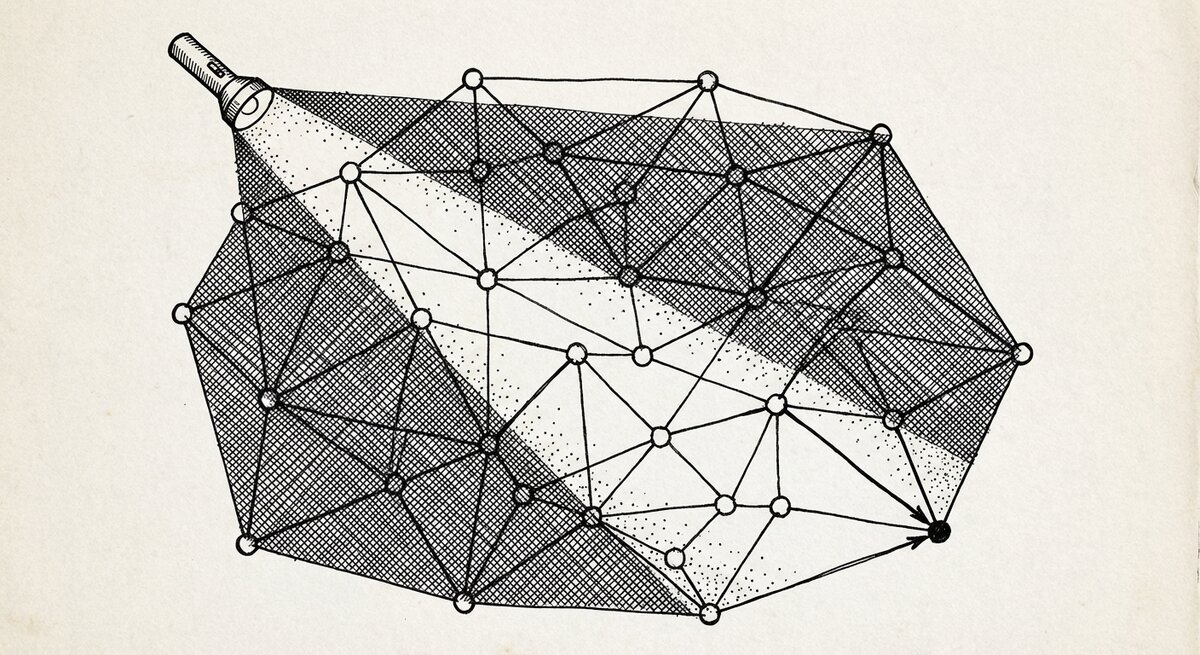
A query in SSTorytime is a sentence: name a thing you remember, and the graph walks one hop out from it and shows you what's there.
You will not write SQL. You will not pick an index. You type the thing
you remember — a topic, a book title, a person, a phrase — and
searchN4L treats it as the name of a node, finds it, and shows you
the neighbourhood around it. What points at it, what it points at, and
one hop further out.
This page teaches the shape of a question. The examples use the reading list from Your first story — seven books, their topics, their authors, and which ones cite each other. If you have not loaded that yet, five minutes at Install in 5 minutes will get you there.
The shape of a question
A question is a string. What you type is matched against node names; what comes back is the node plus a short walk outward from it.
Three shapes cover almost everything you'll want to ask.
- A topic. What have I read about decision making? You name the
topic, and every book that writes an
(about)arrow at that topic lines up under it. You didn't tell the graph "find the books about this" — you told it the topic, and the books were already pointing at it. - A thing. What are my notes on Thinking Fast and Slow? You name the book, and everything it points at — topics, author, citations, the one-liner remark you left — comes back as its neighbourhood.
- A person. What does Daniel Kahneman connect to in my reading? You name the author, and the graph hands you the two books he wrote — plus the citation from Superforecasting one hop further, which you never explicitly asked about.
That last one is the point of the tool. The graph walks one hop out from whatever you name, so relationships you never stated directly surface on their own.
Six questions against the reading list
Each example below is the same shape: an English question, the command, the output, and a reading of what the output is telling you.
What have I read about decision making?
0: "decision making"    in chapter: reading list

      -    (is the topic/theme of) - Thinking Fast and Slow
           -    (is a bibtex citation label for) - Superforecasting
      -    (is the topic/theme of) - Superforecasting
      -    (is the topic/theme of) - Thinking in Systems
Three books. You asked about a topic; each of the three had written an
(about) arrow pointing at it, and the graph reads that back as is
the topic/theme of. Same fact, other direction.
The indented line under Thinking Fast and Slow is a bonus — the graph noticed that it is the citation target of Superforecasting and tucked that in. You did not ask about citations; it came along because it sits one hop away from a book you did ask about.
What are my notes on Thinking Fast and Slow?
0: "Thinking Fast and Slow" in chapter: reading list

      -    (is about topic/them) - dual-process cognition
      -    (note/remark) - two systems, one of them lazy, both of them you
      -    (is about topic/them) - decision making
      -    (is about topic/them) - heuristics
      -    (has author) - Daniel Kahneman
      -    (has bibtex citation) - Judgment under Uncertainty
           -    (is about topic/them) - cognitive bias
           -    (has author) - Amos Tversky
           -    (note/remark) - the anchor is almost always the wrong number
      -    (is a bibtex citation label for) - Superforecasting
The full orbit of one book. Everything you ever said about it, plus one step further: Judgment under Uncertainty, which this book cites, brings its own topics, authors, and note along with it. That is what an orbit is — the node plus its immediate neighbourhood, plus one hop further for the things that neighbourhood points at.
What does Daniel Kahneman connect to in my reading?
0: "Daniel Kahneman"    in chapter: reading list

      -    (is the author of) - Thinking Fast and Slow
           -    (is a bibtex citation label for) - Superforecasting
      -    (is the author of) - Judgment under Uncertainty
Kahneman wrote two books; you told the graph that directly. The indented line — Superforecasting cites Thinking Fast and Slow — is the one you did not ask about. It surfaced because the graph walks one hop outward, and there it was. A relationship between two books you hold together through an author you wrote down once.
Only the books in one chapter
When your corpus gets big enough that the same topic appears in two places, scope the search to a chapter:
\chapter restricts both the match and the walk to nodes tagged with
that chapter. You escape the backslash on the command line — shells
eat unescaped backslashes. \\chapter or "\chapter" both work.
Cap the result count
Large orbits can be noisy. Ask for fewer:
\limit caps the result set. It also shortens the walk — useful when a
node has a lot of incoming arrows and you want a scan, not a deep read.
Same term, different context
Sometimes two notes use the same word for different things. A context scope picks the sense you mean:
The two commands share a term and pull apart two subgraphs. If you named your contexts when you wrote the notes, you can ask the same question two different ways without renaming your nodes. That is the point of the next page, Context — asking the same question different ways.
The three scope words
A handful of backslash words change the scope of what is matched. You don't need all of them. Most searches are one string.
\chapter <name>— restrict to a chapter. Good when your corpus has more than one chapter and the same word appears in both.\context <tag>— restrict to nodes whose context includes this tag. Good when the same word means different things in different corners of the graph.\limit <N>— cap the result count. Good when you want a scan rather than a deep dive.
There is a longer list of query words — backslash commands for
pagination, arrow introspection, direct node-address lookup, ts_vector
expressions, and so on — but you will not reach for them most of the
time. searchN4L --help prints the full list; the shape-by-shape
reference lives in the repo at
pages/docs/developers/searchN4L-flags.md.
When your query doesn't match
- Nothing comes back. Your search string is not a substring of any
node name in the graph. Check for typos; remember that
(about)and(by)are arrows, not nodes — you search for the things on either side of an arrow, not the arrow itself. - Too much comes back. A short word like
ais a substring of almost everything. Quote it exactly with!a!(or equivalently|a|) to force a whole-node match. - Words with accents. If you can only type ASCII, wrap the term
in parentheses:
searchN4L "(fangzi)"matchesfángzǐ. The graph keeps an unaccented copy of each node for exactly this. - A term you only know by address. If a previous search showed a
(1,1)-style coordinate next to a node, you can search for that directly:searchN4L "(1,1)". Useful when a node's name is too generic to find by substring.
Where to go next
-
Finding paths between two things
When you want to know how two things connect, not just that they are both in your reading list.
-
Same question, different sense
When a word means one thing in one chapter and another thing somewhere else, context is the lever.
-
More query shapes
Ten recipes — orbits, sequences, chapter scopes, exact matches. Copy-pasteable.