Finding paths
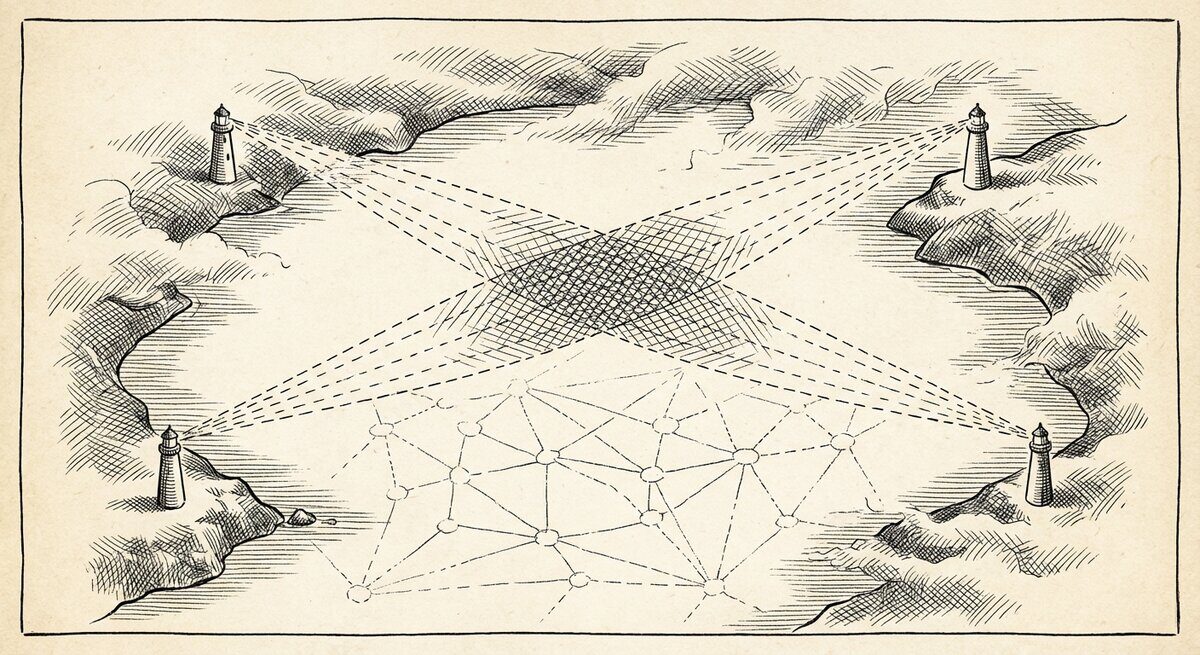
When you want to know not just that two things are connected, but how — the specific chain of arrows that runs between them — that is what
pathsolveis for.
A regular search gives you a neighbourhood: the thing you named and a step or two outward from it. A path is different. You name a start and an end, and the tool returns every chain of arrows that leads from one to the other — the specific route, hop by hop.
This is most useful when your notes record sequence. A decision that
led to another decision. An event that triggered the next event. A step
in a recipe that must follow another step. If your notes have that
shape, pathsolve will trace it.
What pathsolve follows
pathsolve walks only one kind of arrow — the leads-to kind.
Arrows like (then), (leads to), (next), (=>), (prec) — the
ones that record this happened, and then that happened. Arrows that
express other relationships — (about), (by), (bib-cite), (note)
— are ignored by the path search, even though they are perfectly
happy in an ordinary searchN4L query.
That is a deliberate choice, not a bug. A path along mixed arrow types
rarely means anything. "Kahneman wrote a book that is about decision
making that is the topic of another book" is three arrows in a row, but
they don't compose into a story. pathsolve is the tool for when you
want a story — a chain where each step actually leads to the next.
The upshot for your corpus: if your notes track causality, sequence, or
process (meeting notes, decision logs, recipes, routes, branching
stories), pathsolve will trace it. If they mostly record topic and
authorship (a reading list, a glossary), the tool will return "no paths
available" and you should reach for searchN4L instead.
A worked example
The repo ships an example corpus built specifically to have paths. Open
examples/branches.n4l
and you will see nodes like once upon, a time, there lay,
a princess, strung together with (then) and (=>) arrows. A small
branching story with several routes through it.
Load it and ask for a path:
You get back the chain the tool walked — every hop, in order, with the arrow that took each step:
 Paths < end_set= {a little prince, } | {once upon, } = start set>

     - story path: 1 * once upon  -(then)->  a time  -(then)->  there was
      -(=>)->  a princess  -(=>)->  mischief!  -(=>)->  a little prince

    Linkage process: -(+leads to)->  -(+leads to)->  -(+leads to)->  -(+leads to)->  -(+leads to)-> .
Six hops from start to end, through the branch that actually reaches
a little prince. (then) and (=>) are both leads-to arrows — the
tool treats them as the same kind of step and reports the underlying
family at the bottom (+leads to).
The reverse direction
If your question is the other way round — what leads to this end state, and from where — flip it:
-bwd runs the search along reverse arrows. Same paths, asked from the
other end.
Scoping to one chapter
When your graph has several chapters and you want paths that live inside one of them:
The chapter scope restricts both the start/end lookup and the walk. It stops the tool from finding cross-chapter routes you didn't mean to ask about.
What comes after the path
pathsolve also prints two summaries below the paths themselves — for
when there is more than one route and you want to know their shape.
Supernodes. When several paths run through equivalent nodes — two parallel branches that land you in the same place — the tool groups those nodes as a supernode. The members are interchangeable from the path's point of view: any of them gets you through. Useful when you want to see where your graph offers real alternatives versus where every path passes through the same choke point.
Flow importance. A ranking of nodes by how many of the paths pass through them. The nodes at the top are the choke points — the things every route visits. The nodes at the bottom appear on only one or two routes. When you want to understand the shape of the path space, not just one path in particular, this is the view.
Both appear at the bottom of the pathsolve output whenever there is
more than one path. On a single-path result they are uninformative and
you can ignore them.
When pathsolve returns nothing
- "No paths available." Most common cause: the corpus has no
(then)/(leads to)/(=>)-style arrows between your start and end. A reading list is all(about)and(by)— those are not paths. Write some leads-to arrows, or switch tosearchN4Land ask about orbits instead. - Start or end string matches nothing. Check the spelling; the
tool is matching your string as a substring of node names.
-vprints the boundary sets it found, which is the fastest way to see whether your start and end actually resolved. - The start and end are the same node. A substring can match the same node at both ends; the tool requires a path of at least two hops to avoid the trivial "you're already there" answer. Use more specific strings for start and end.
- The path is longer than twenty hops. The default search depth
is bounded. If you suspect a real but long path, narrow the corpus
with
-chapterand try again.
One notation quirk worth knowing
pathsolve accepts a shorthand borrowed from physics — Dirac
notation — where you write start and end together in one string:
The end comes first (inside <...|), the start comes second
(inside |...>). This reads as "the amplitude to arrive at a little
prince given we start from once upon." If you think in those terms,
it's a compact notation. If you don't, -begin and -end are clearer.
Where to go next
-
Orbits, not paths
For neighbourhoods and topic queries — the shape of a single question rather than a chain.
-
Context
When the same word means different things in different parts of your graph.
-
Search recipes
Ten query shapes, copy-pasteable, with the reading-list corpus as the running example.